Platform updates
An overview of all updates and upcoming features. Subscribe to our newsletter to stay up-to-date.


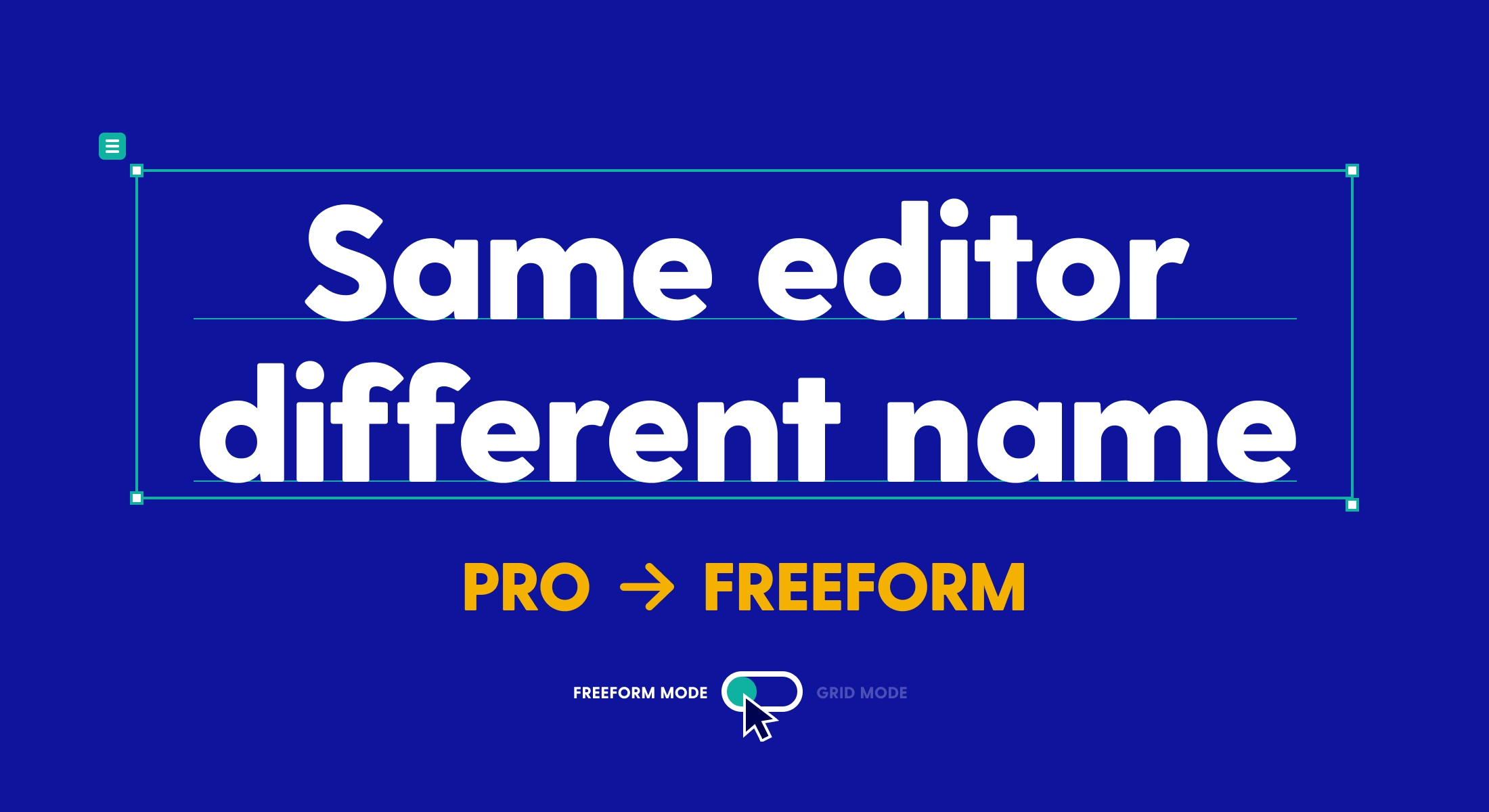
Name change: From "Pro" to "freeform"
Designing in the Pro editor is now called freeform mode, and the Pro plan is now the Advanced plan.

Analytics and SEO settings have moved to domain level
Tracking, cookie consent and indexing are now set per domain instead of per navigation environment.

What's coming after summer (libraries, scene animations, new charts & more)
A glimpse of the features we’re building, set for release later this year.
More updates
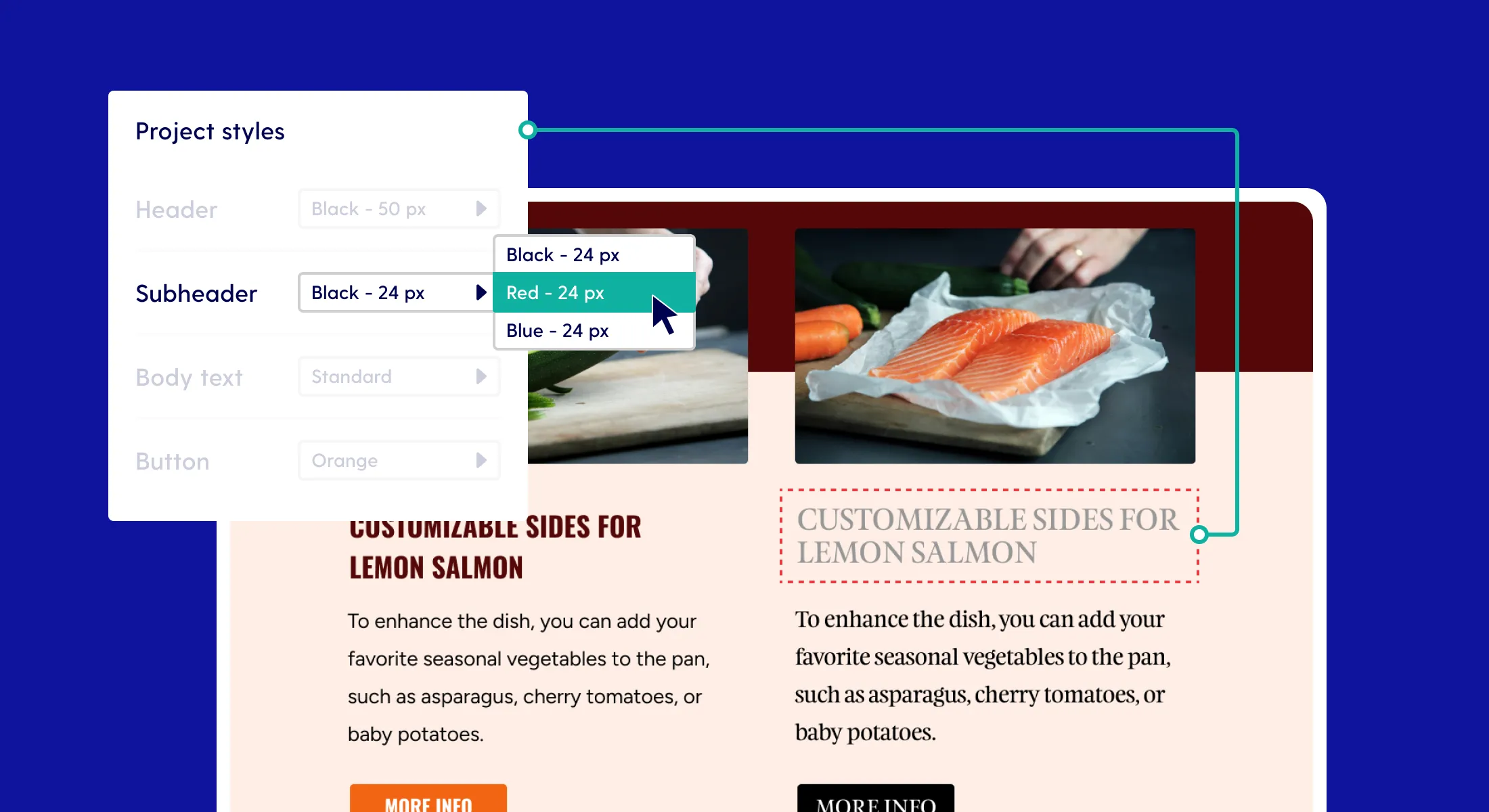
Create style collections to streamline your design process in Pro
Work faster and smarter: predefined style collections are available in Pro!

Now supporting MS Paint imports in Maglr Pro
At Maglr, we continuously explore new ways to enhance creativity and design workflow for content creators. Today, we’re happy to announce we’re offering support for a system familiar to us all.
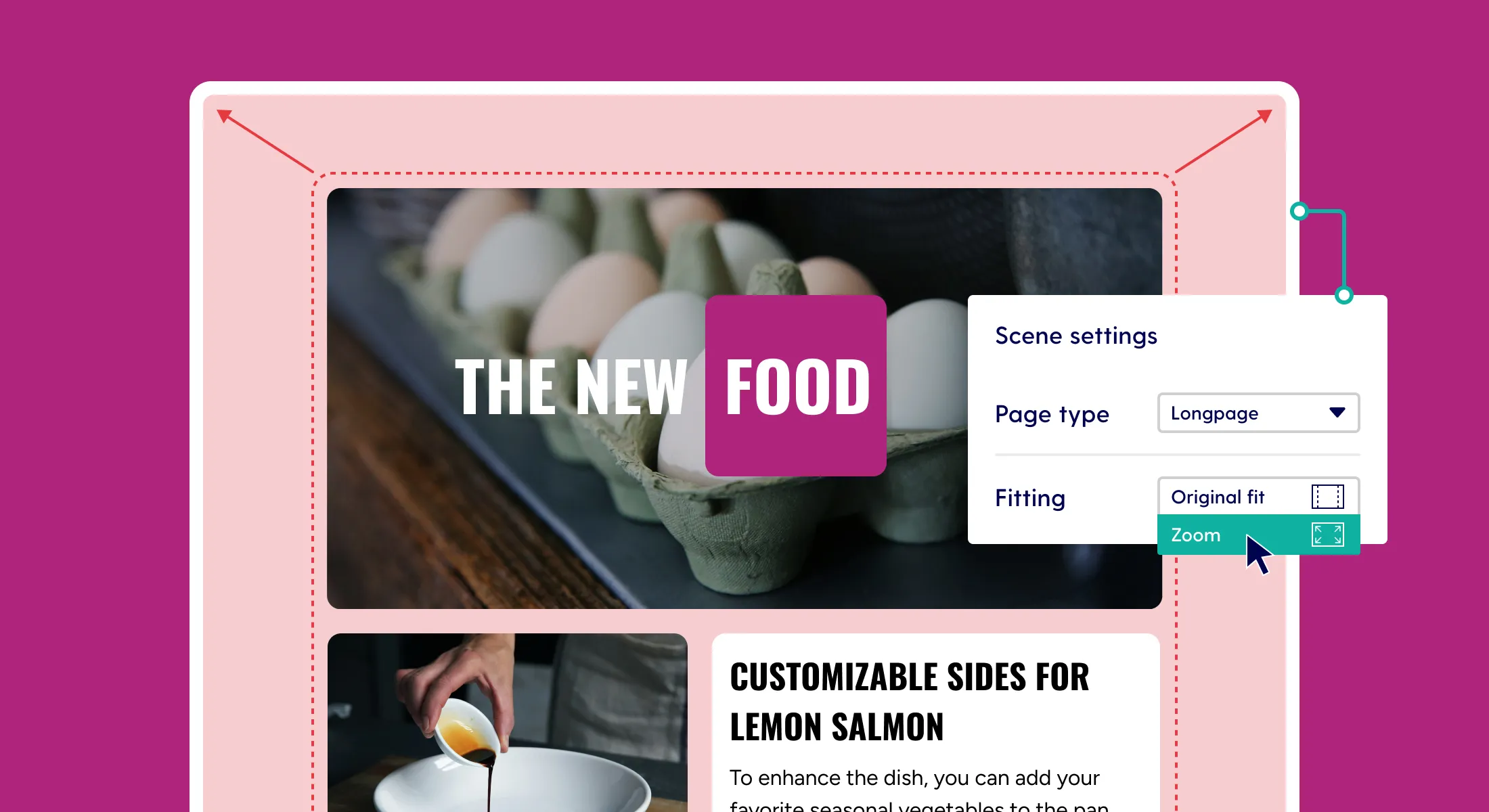
"Zoom" option available for longpages
Elements on longpage scenes will shrink and grow in accordance with the new "zoom" scaling option.
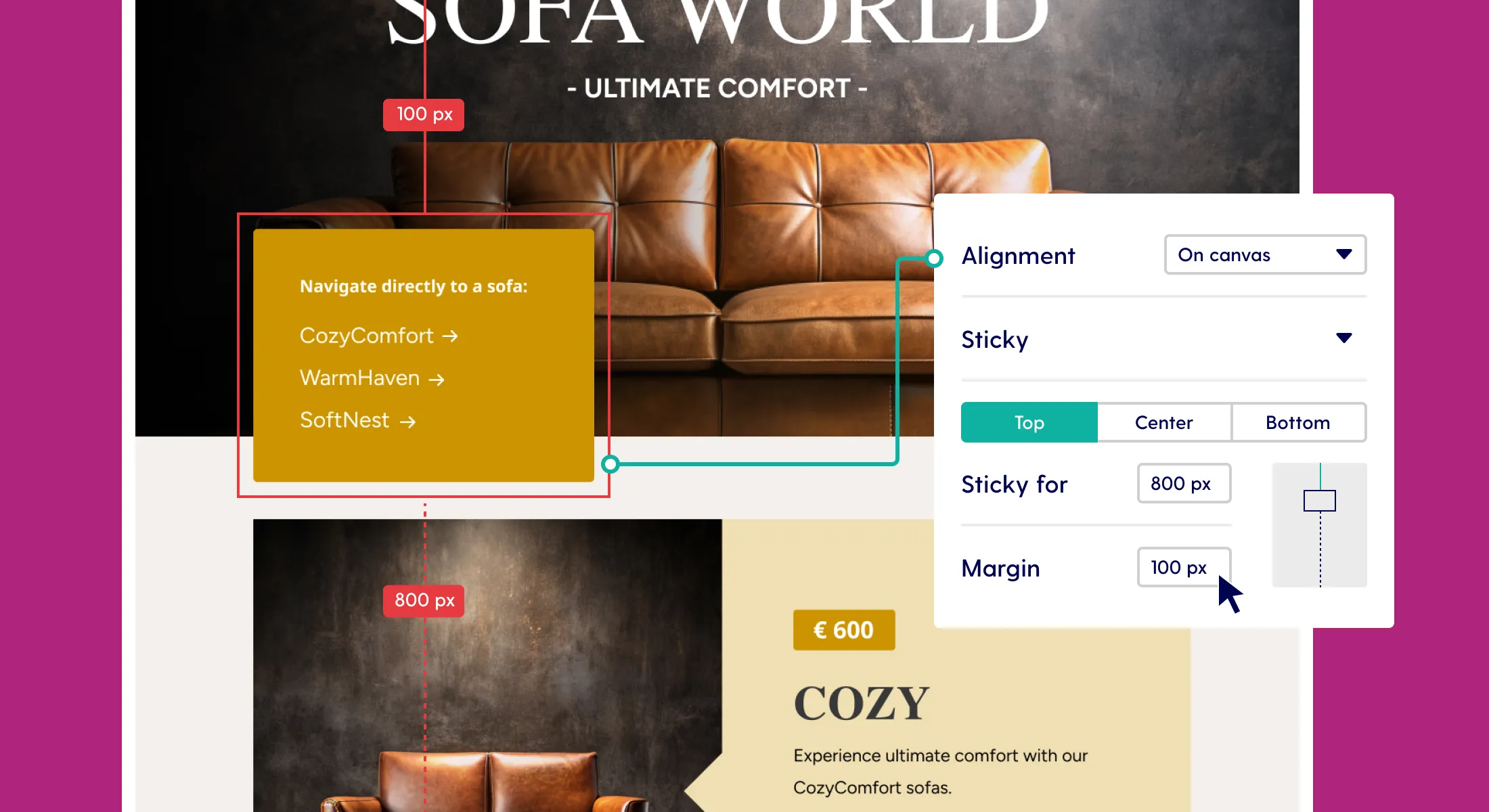
New options for sticky positioning
Design just got more versatile with new options for sticky positioning.
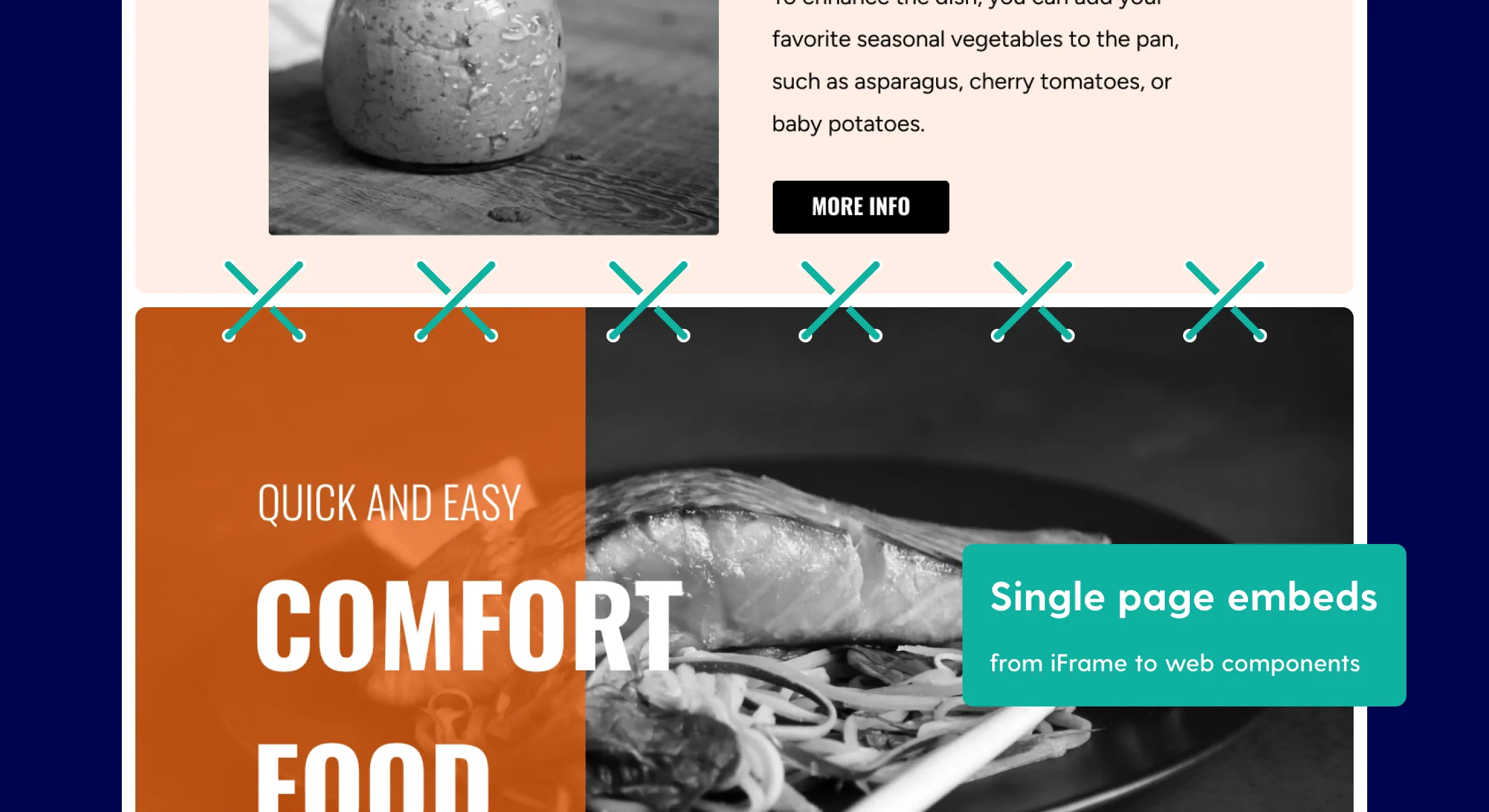
Single page embeds went from iFrames to inline web components
We have transitioned from iFrames to inline web components for single page embeds. Let's find out what that means.
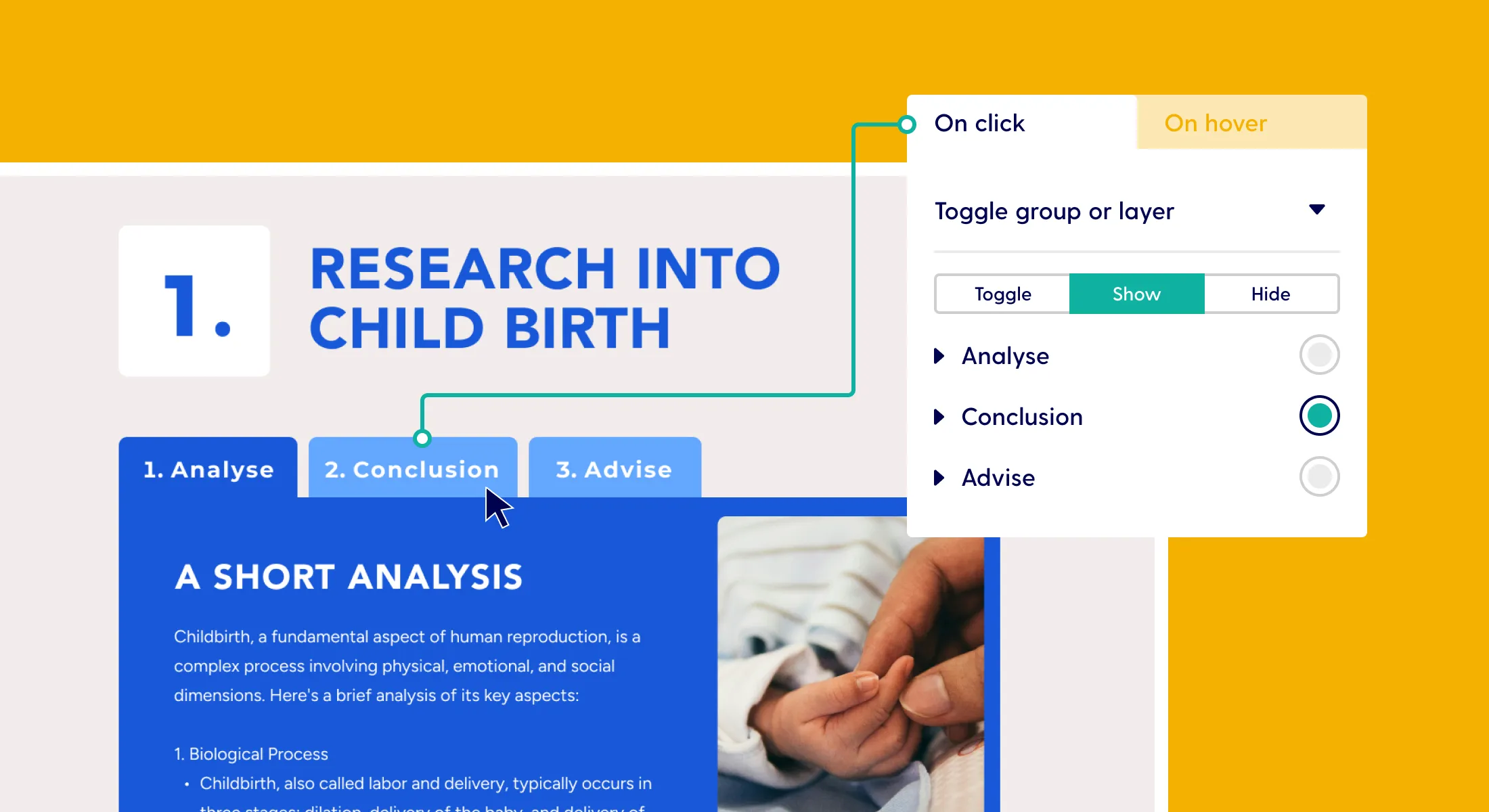
"Show" and "hide" options available for visibility actions
Build complex components with forced "show" and "hide" states, like a tab menu.
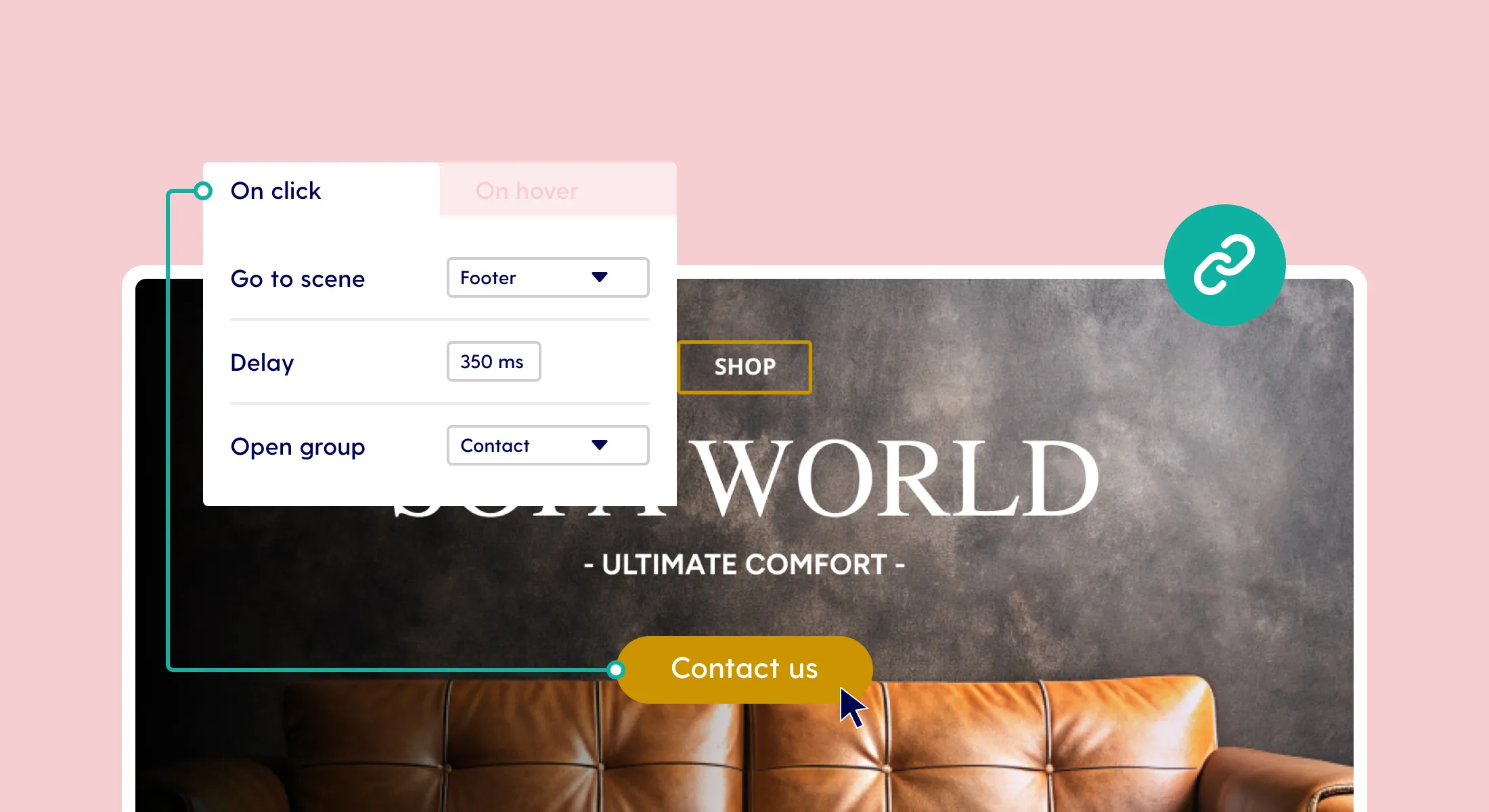
Option to add delays between chained actions
Enhance reading experience and chained actions with the new 'delay' property.
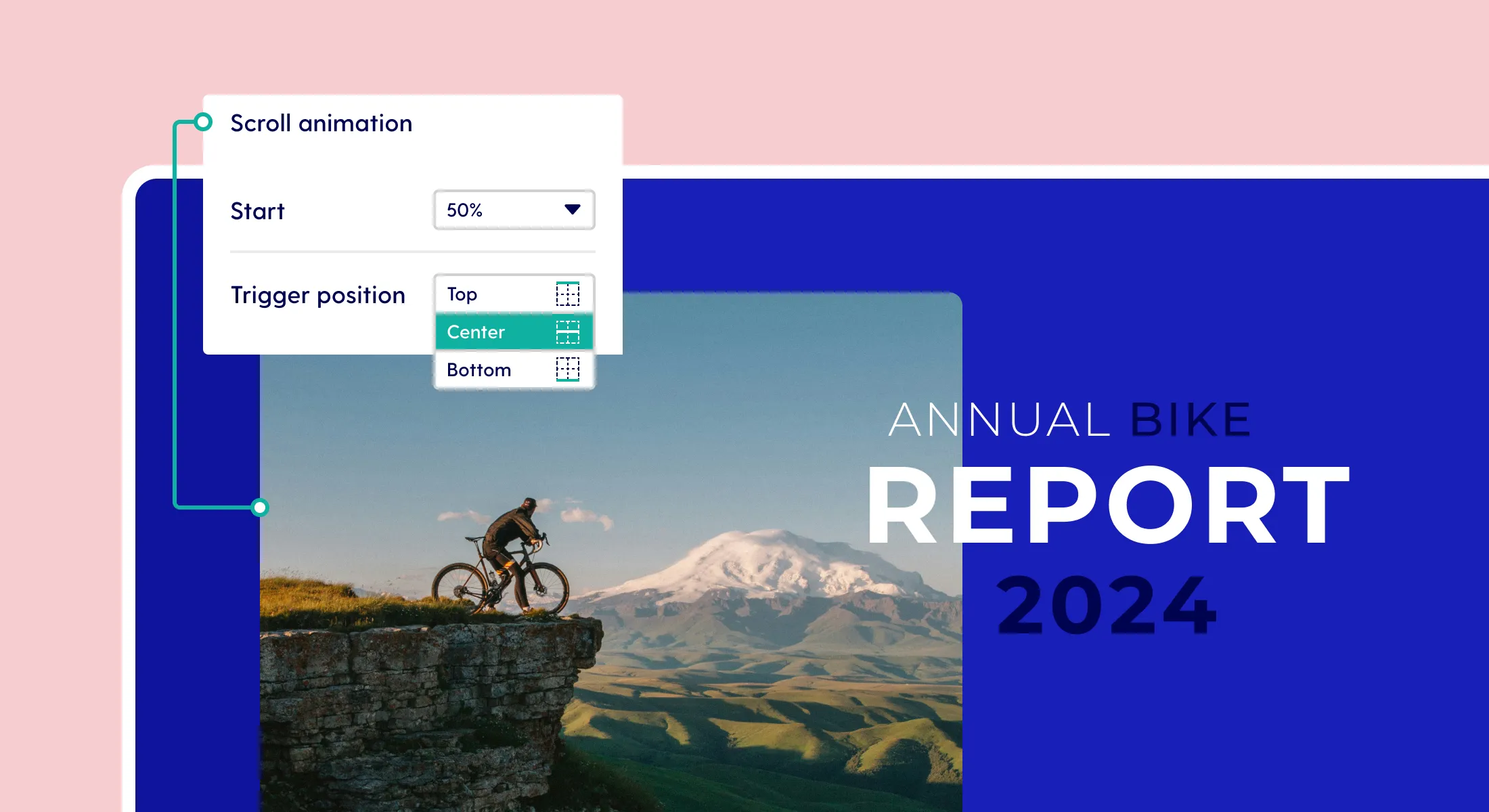
Set a trigger position for scroll animations
Make elements appear exactly where you want them on the canvas by setting a trigger positon.
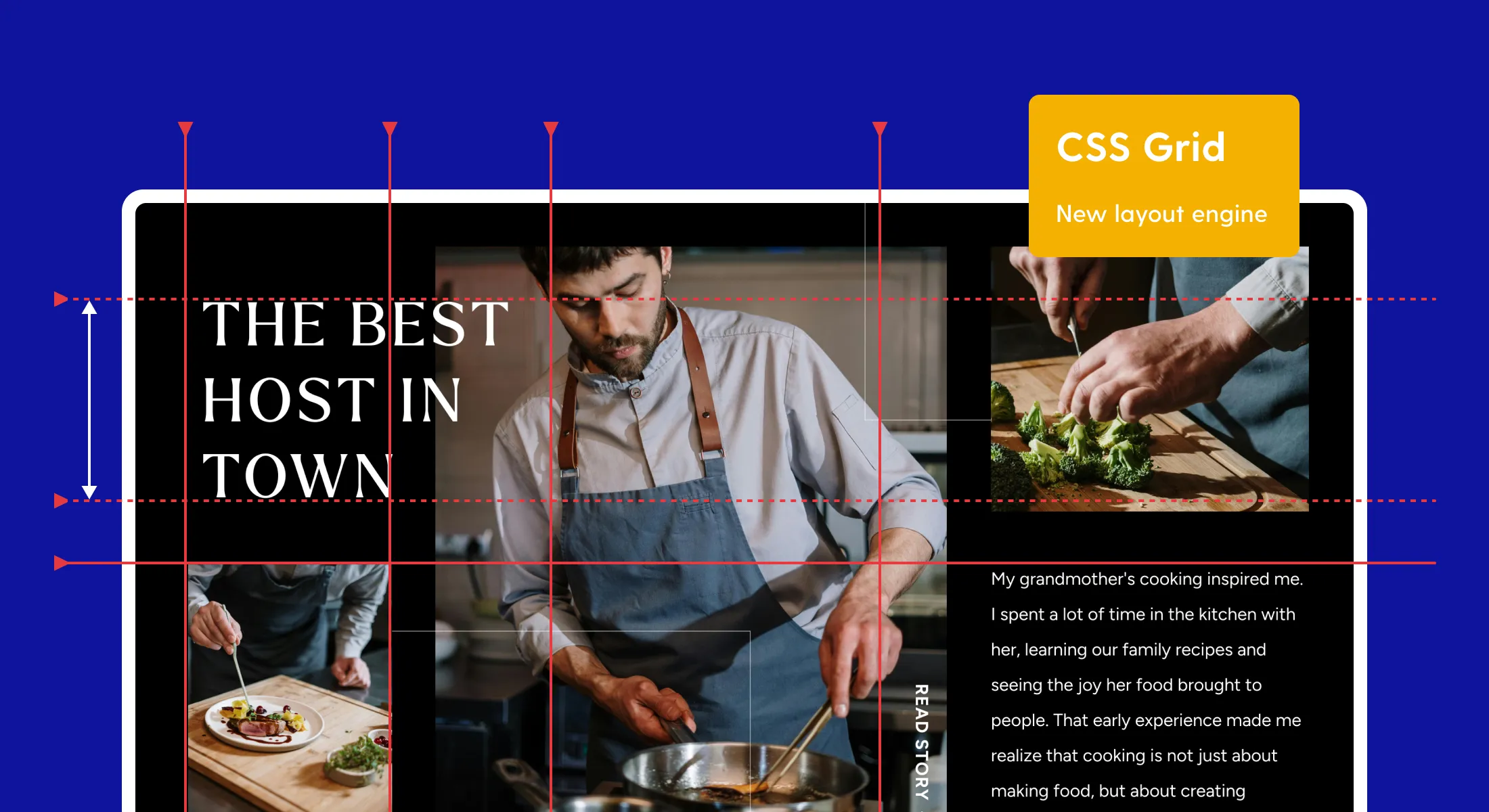
Transitioning to CSS Grid (”CSS.. what?”)
Pro publications are transitioning to CSS Grid. But what exactly is CSS Grid? Discover how this new layout engine helps your online publications scale better.
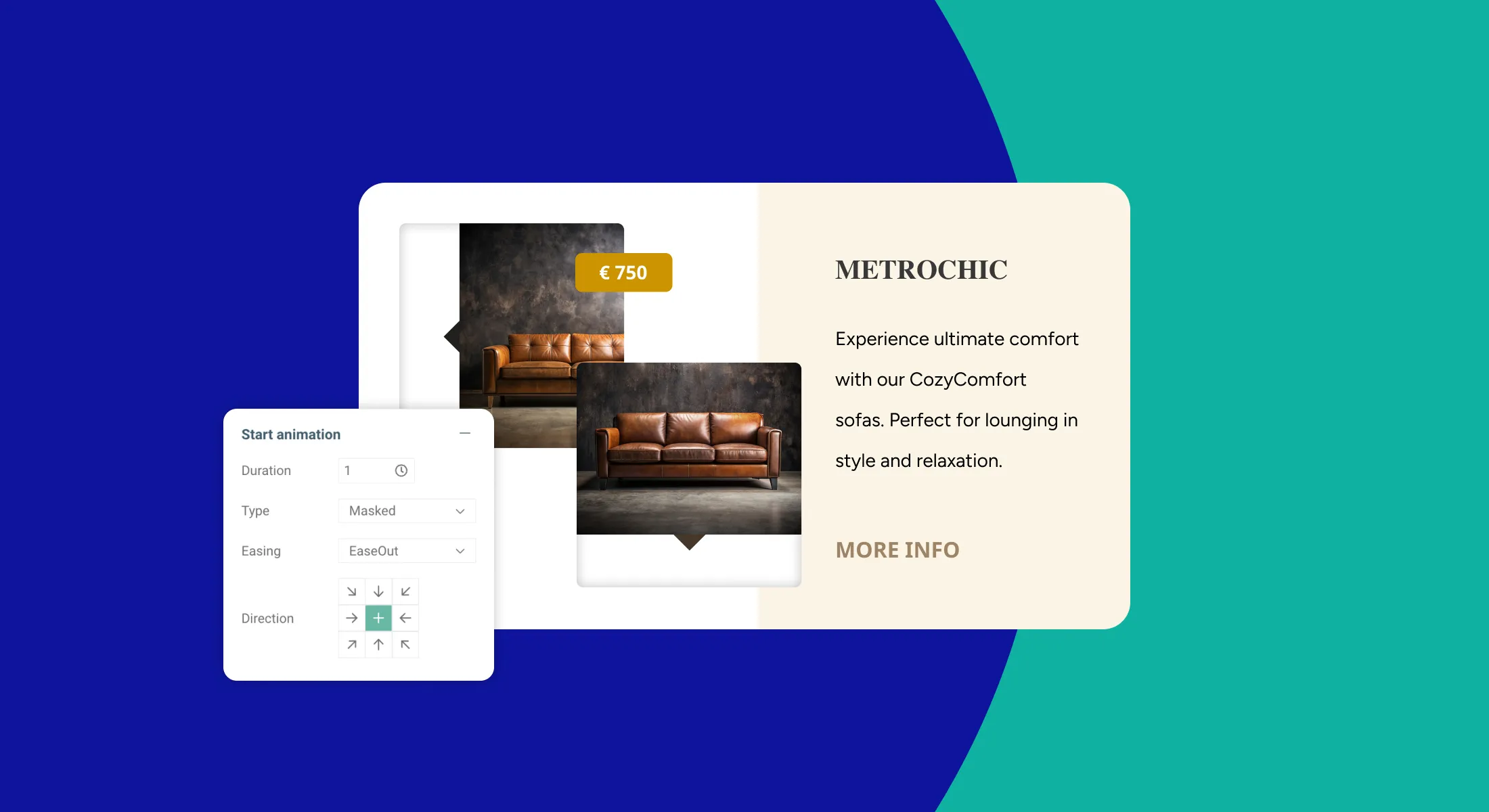
Leverage the potential of masked animations
Learn how to use masked animations to create stunning interactive elements that add more flair your designs in Maglr Pro.