What's coming after summer (libraries, scene animations, new charts & more)
Heatwave or not, we're hard at work on the features below. Take a look.
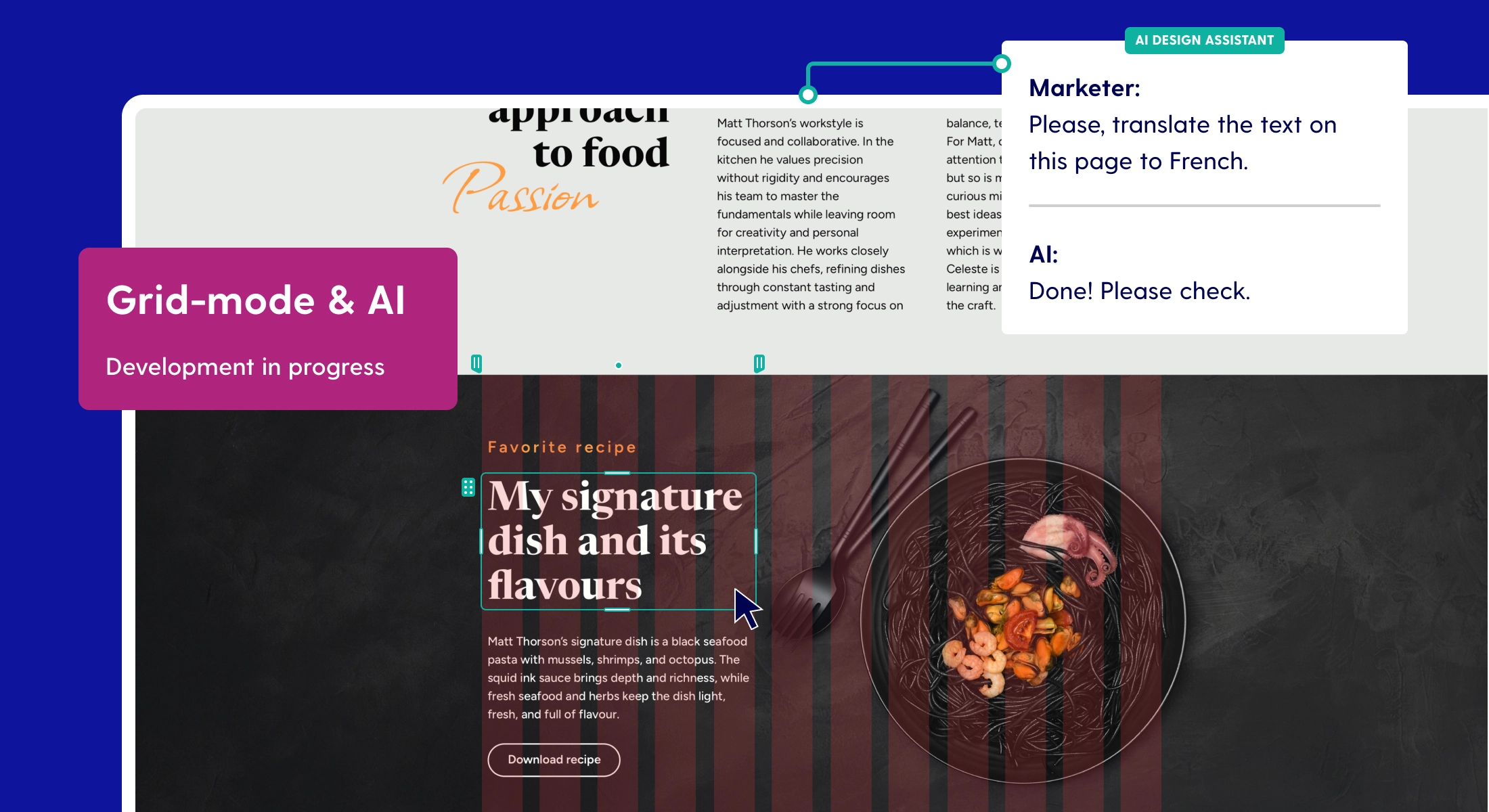
Last month we published a larger update on AI and grid mode, in case you missed it. There's even more in the works than we can fit here, but these are the ones we’ll think you’re excited about.
Libraries
Starting strong with a feature that has been requested plenty over the years. With libraries, you can save and reuse your own styled components.
Create a scene, group, or element, and save it to your library to reuse wherever you need it. Your components can be sorted by project and configured for who can use them and where. When dropped onto the canvas, you have full permission to make edits as needed. Save an entire footer or create something as small as a button; the workflow is fully yours.
Scene pop-ups
Creating pop-ups has always been a lot of custom work in freeform, especially getting the position right, managing visibility, and adapting to mobile. Rest assured, we’re going to make it a whole lot easier.
With this new feature, you'll be able to mark a scene as a pop-up. It stays sticky in the center of the screen automatically, content becomes easier to maintain, and attaching the trigger action is straightforward without digging through layers. Settings like styling, canvas size, animations, and more can be set separately, and the content of your pop-up scene overall becomes easier to maintain.
Scene animations
We already have scene transitions, but with only four to choose from, the options are limited. Hence, we're adding more creative ways to animate from one scene to the next. Expect new animation types that make the progression between scenes feel seamless, allowing you to create even better scrollytelling experiences.
3D
You'll be able to bring a third dimension into your pages. Import your own 3D models or use pre-built elements, and set a background image or video for a more immersive scene. You'll be able to change color and other visual settings on 3D components, and decide how much your reader gets to interact by either restricting or allowing spinning, zooming, and panning.
2D and 3D can blend throughout a page, so you can add a single element or go all out. If you need inspiration, it works particularly well for real estate marketing or retail to visualise products and construction projects.
Charts
Our charts module is getting an overhaul. Expect new chart types and more control over value input, layout, and design.
To make it even easier, paste in an image of an existing dataset and let AI fill out the fields for you. No more entering data by hand. No more excuses to drop in a chart as a static image. This feature is still experimental and might not be released in the module’s first version.
Live data
In addition to more data visualization options, we're revising what happens under the hood. Some of you work with large datasets, or even data that needs to be (semi-)live. We're building connection options to pull in both public and authenticated data, for example through Google Sheets, so your visualizations can reflect the real numbers.
That's a taste of what's ahead. Questions? Contact us via chat or at info@maglr.com