Grid-mode and AI: the way you design in Maglr is changing
We've been quiet for a while, but for a good reason. Behind the scenes, two things have been coming together: “grid”, a new mode alongside freeform design in the Pro editor, and our first real steps into AI. We found that one wouldn't exist without the other and both point at the same shift: not what you make in Maglr, but how you make it.
Design faster without flattening the result
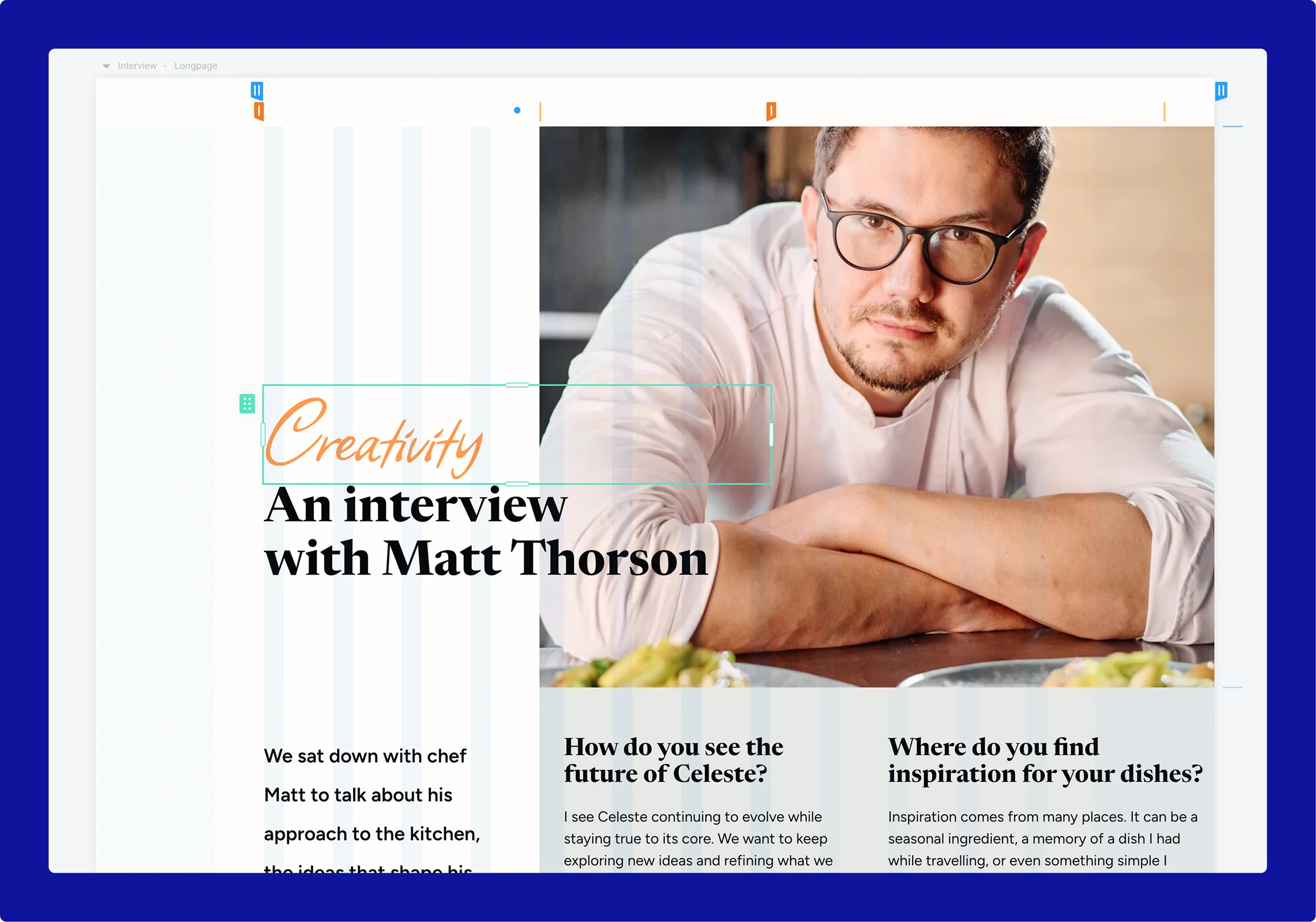
Grid will be a fast and intuitive way to build a page. Drop elements onto a grid, add and resize columns. Sections grow and shrink with their content, so (for example) text can grow without overlapping other elements and columns collapse automatically on mobile. The benefits are endless and well explained in our previous update, so be sure to read if you haven’t yet.
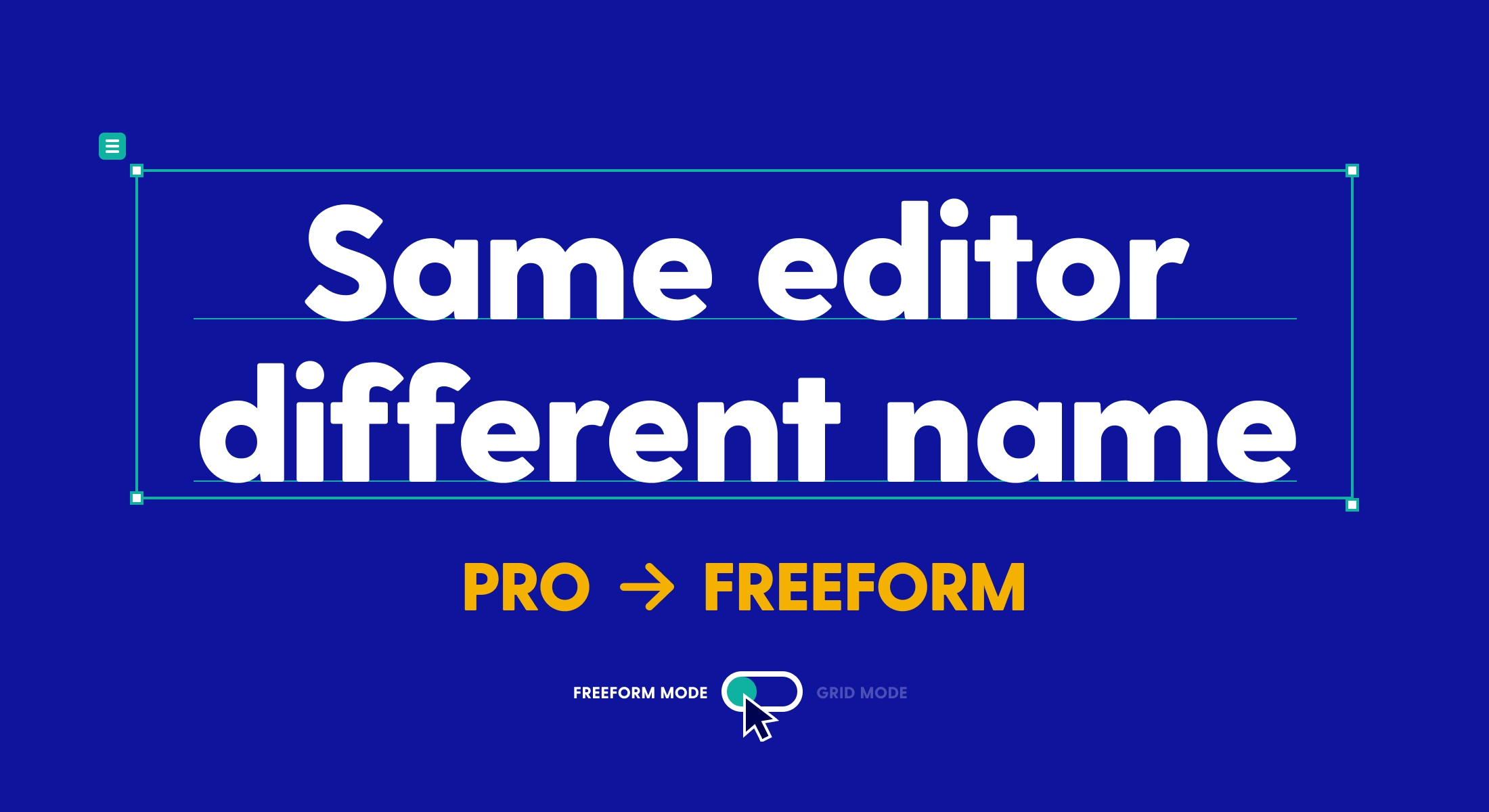
Maglr is known for its freeform (Pro) editor. Grid sits alongside it, on the same canvas. You can drop a grid container into a freeform layout, build the whole page in grid-mode, or mix the two in whatever way the design calls for. The choice is yours, always.
Teams can finally share the work
The change isn't only individual. It redefines how teams build together and opens the door to new roles working inside the platform.
A freeform canvas can be intimidating if you’re not an experienced designer. The drag-and-drop principle on a grid is conceptually easier to understand and lowers the barrier for anyone who's only ever been responsible for a small edit here and there. The colleague who requested small text changes can now do it themselves without breaking the layout, and the marketer who avoided the freeform editor has a way in to create their own materials.
It opens Maglr up to more people on a team, working at the level that suits them, on the same piece of work.
How AI got tied in along the way
At Maglr, we believe in human-led design. Editorial judgment, taste, the call on what looks right should all stay with the designer. Hence, we took our time to investigate AI functionality in Maglr. We spent it asking our users where AI would genuinely help and where it wouldn't.
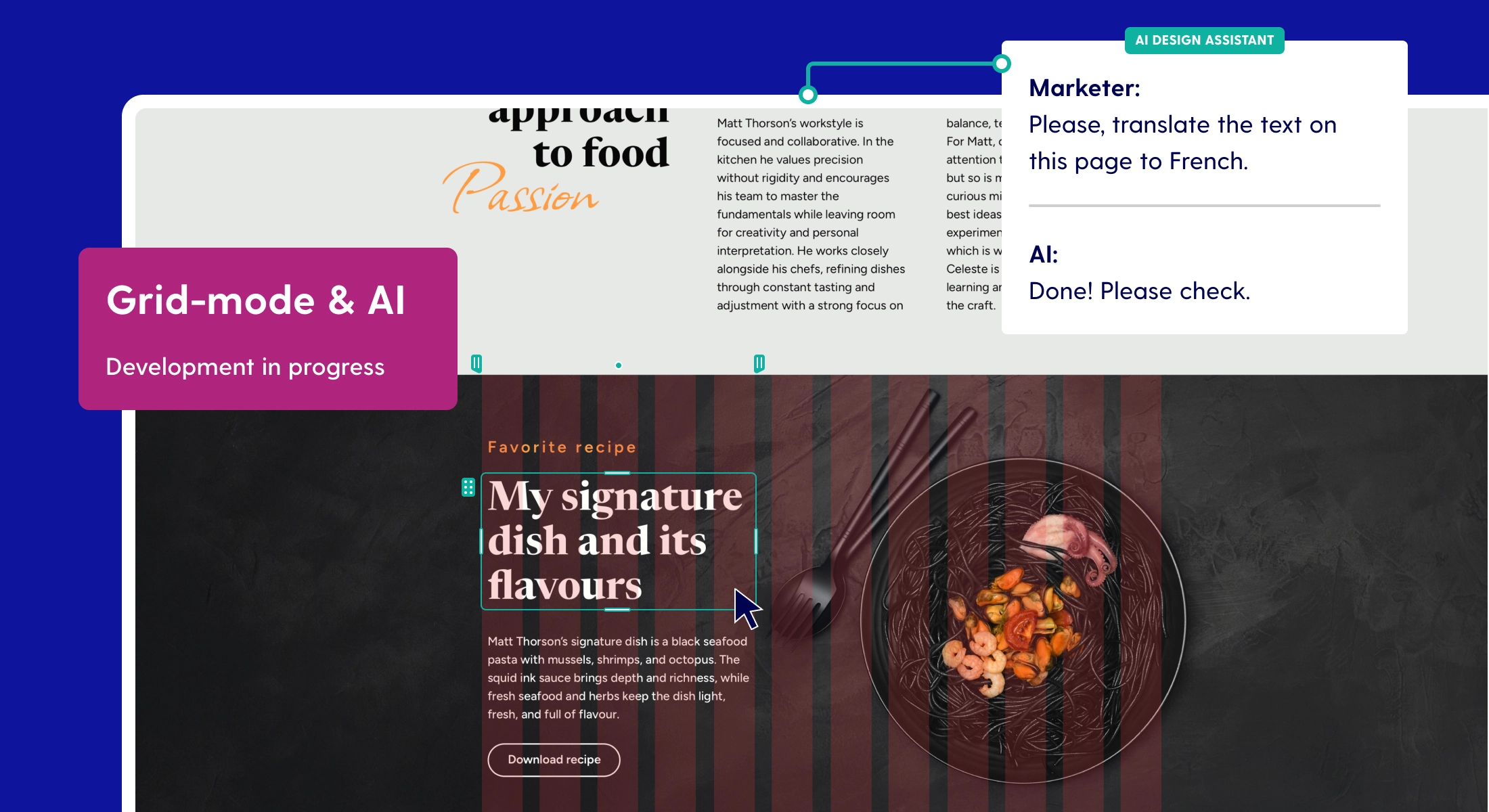
We concluded that AI should be a good assistant: aware of what you're building and the content inside it, useful on the tedious and repetitive parts, and with the option to always opt out if you no longer need it.
A few of the things we're exploring:
- Automatic translations
- Adjusting design layouts through text-based prompts
- Converting desktop designs to mobile
- Generating a design (or starting point) from flat content (i.e. PDF, Word, PowerPoint)
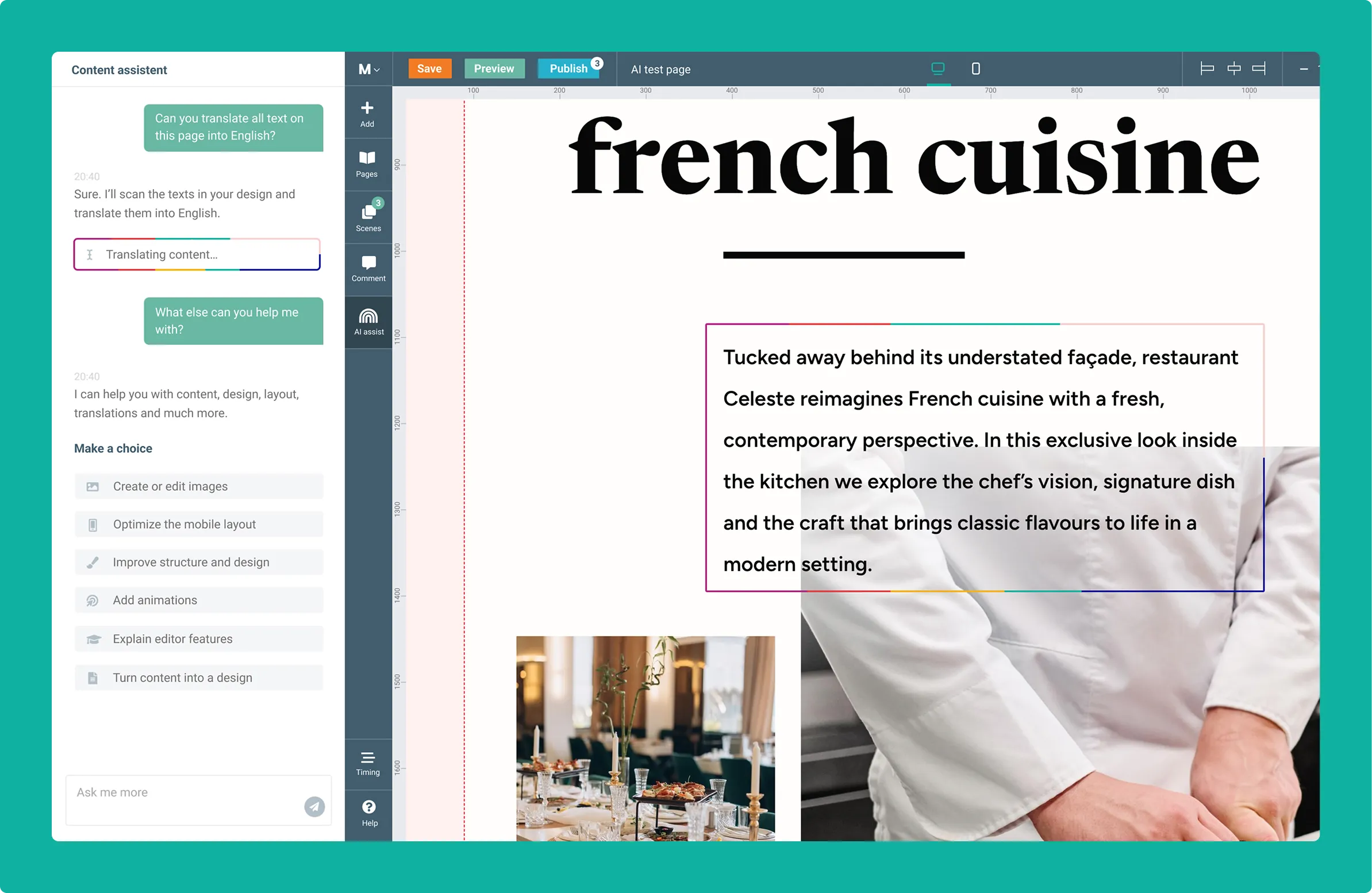
Taking a step back, the generation of full layouts is where grid-mode earns its place. A grid has rules where everything lines up and stays in order. That gives AI a structure to work within, instead of guessing on a freeform canvas where anything can overlap and get messy.
Long story short: the development of grid-mode has posed the opportunity to implement AI in meaningful ways. They’re really two expressions of the same idea: making designing easier and faster without compromising on quality of the result.
Be the first to get access
This is a real shift in how Maglr works, and the best way to understand it is to see it. If you're curious what any of this means for your team or where the platform is headed next, get in touch. We'd love to show you.
Reach out via chat or at info@maglr.com, and we'll set up a call or tell you more via email.